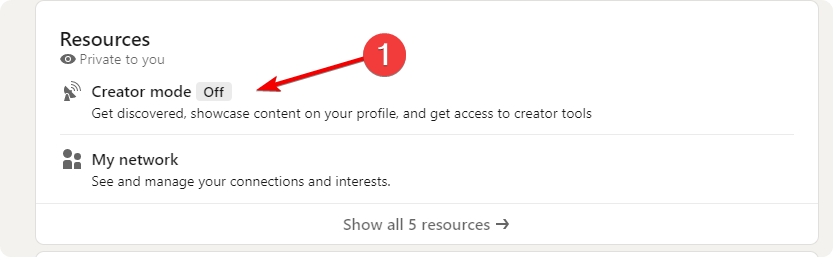
- Go to your profile page and scroll down to find the Resources section. Click on the “Creator mode On/Off” button. And then the “Next” button.
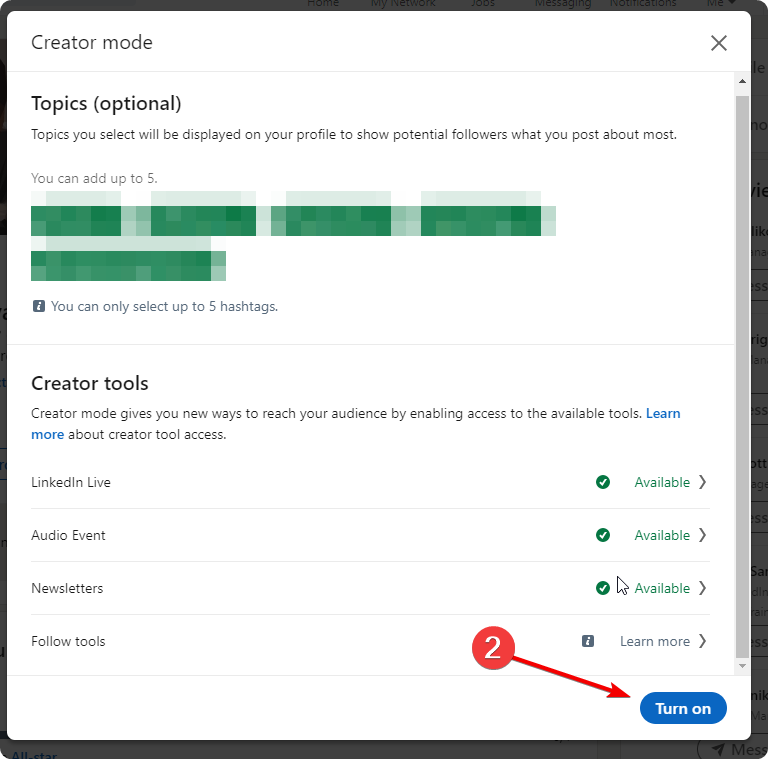
2. After the “Next” Button click on the “Turn on” button to Turn creator mode on
How to turn Creator mode Off?
- Go to your profile page and scroll down to find the Resources section. Click on the “Creator mode On/Off” button. And then the “Next” button.
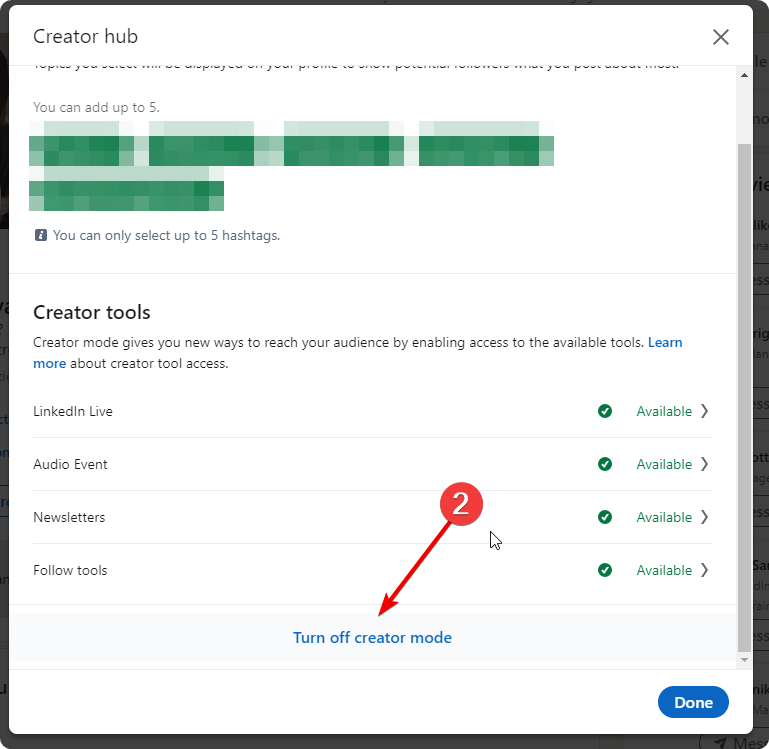
2. Click “Turn off creator mode” and confirm
0 thoughts on “How to Turn On/Off “Creator mode”?”