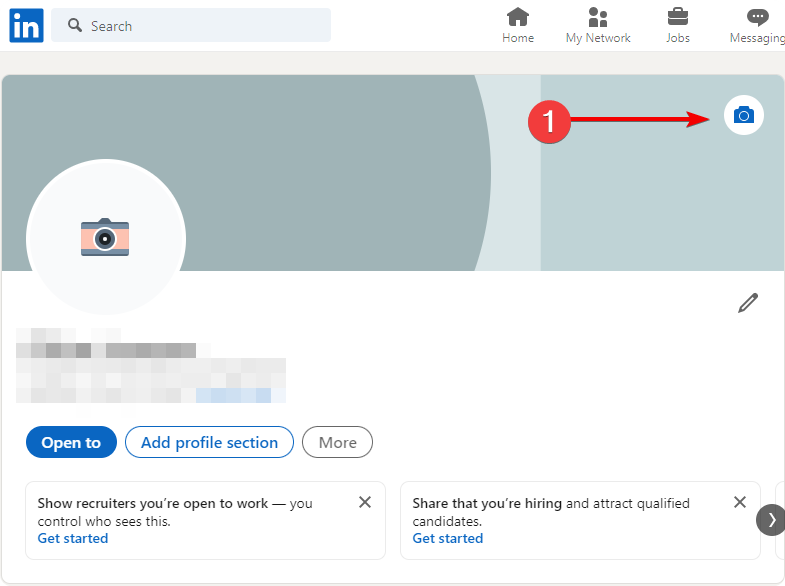
1. Go to your profile page and click the photo icon on your cover
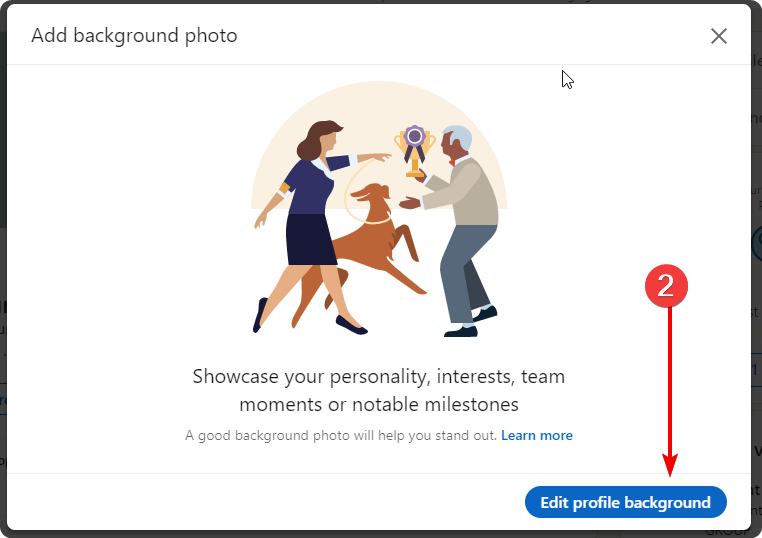
2. Click “Edit profile background”
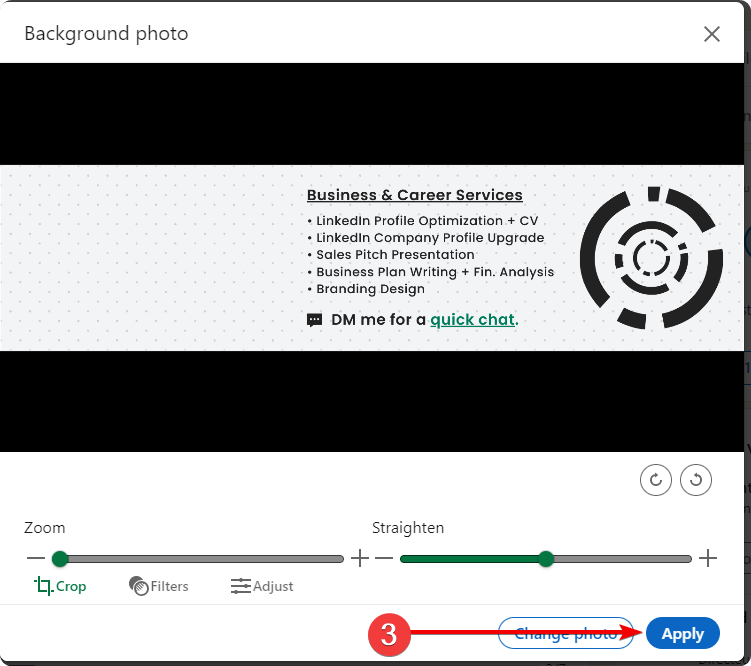
3. Choose the image parameters and click “Apply”
1. Go to your profile page and click the photo icon on your cover
2. Click “Edit profile background”
3. Choose the image parameters and click “Apply”